

This guide helps you connect to the Persistence Layer service through the Makaira API proxy.
Requirements
Before proceeding, ensure you have:
- Access to Makaira admin and permission to access the API keys feature
- Programming skills and knowledge of how to make API calls
Steps to Follow
-
Go to API Keys and create a key with the
persistence:writepermission (or an existing key that already includes it).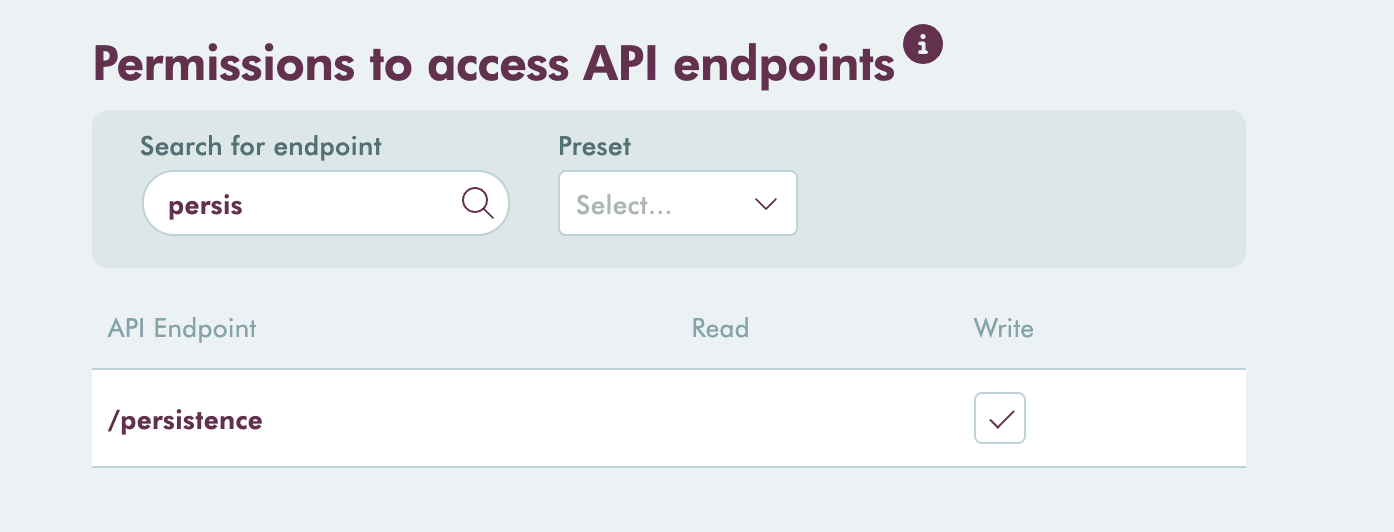
-
Use your API key to connect to the Makaira API proxy by following the Hash-Based Message Authentication (HMAC) guide.
-
Interact with the Persistence Layer API through the available APIs.
⚠️ Warning
Please migrate to this new approach as soon as possible. The legacy API on Heroku (https://persistence-layer-production.herokuapp.com) will be discontinued soon.